What Is an MVP? How to Build a Minimum Viable Product the Right Way
An MVP is not a cheap, half-finished app. It is the smallest product that lets real users solve a real problem — so you can learn what to build next. Here is how to scope one properly.
Most new software products do not fail because the code was bad. They fail because they were built for a problem that was not painful enough, for users who did not exist, or with features nobody used. A minimum viable product (MVP) is the discipline that protects you from that outcome.
This guide explains what an MVP really is, the common misunderstandings, and a practical process to scope and build one.
What an MVP is
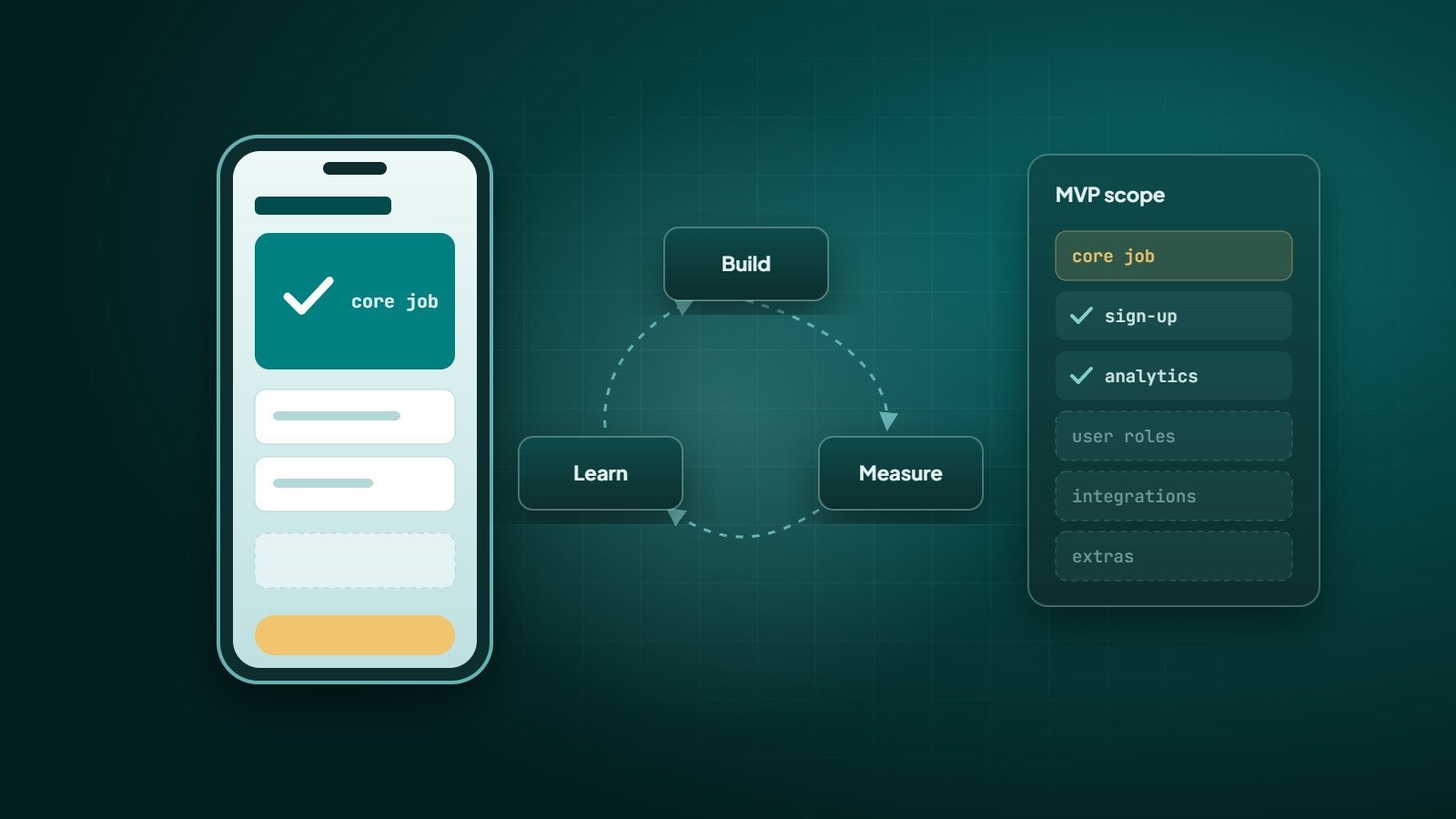
An MVP is the smallest version of a product that real users can use to solve a real problem, built so that you can learn from their behaviour. The term was popularised by Eric Ries in The Lean Startup, where it is tied to a simple loop: build → measure → learn.
The key word is viable. An MVP is small, but it must work, and it must deliver value on its own. It is not a mock-up, and it is not a buggy version of the "full" product.
What an MVP is not
- Not a prototype. A clickable prototype tests whether people understand an idea. An MVP tests whether they actually use it.
- Not "version 1 with everything, just worse". Cutting quality across every feature produces a product nobody trusts. Cut scope instead, and keep what remains solid.
- Not the end. An MVP is the beginning of a learning cycle. Plan for what happens after launch.
Think of an MVP as a skateboard, not a car without wheels: complete and usable at its own size, then improved step by step.
Step 1: Define the problem and the user
Write one sentence: "[User] struggles with [problem] when [situation]." If you cannot write it clearly, you are not ready to build. Talk to potential users before writing code — ask about how they handle the problem today, what it costs them and what they have already tried.
Step 2: Choose the one core job
List every feature you imagine, then ask of each one: "Can a user get the core value without this?" If yes, it waits. Typical MVP cuts include advanced settings, multiple user roles, deep analytics, social features and integrations that can be done manually at first.
A useful method is the MoSCoW split: Must have, Should have, Could have, Won't have (for now). Only the "Must have" list goes into the MVP.
Step 3: Decide what you need to learn
Every MVP should answer specific questions. For example:
- Will users sign up and complete the main task?
- Do they come back next week?
- Will they pay — and how much?
Decide in advance which numbers will tell you the answer: sign-up completion, activation (finishing the core task), retention, and conversion to paid. Add basic analytics from day one so you can measure them.
Step 4: Pick the right MVP type
| MVP type | How it works | Best for |
|---|---|---|
| Landing page | Describe the product and collect sign-ups or pre-orders | Testing demand before building |
| Concierge MVP | Deliver the service manually to a few customers | Learning the real workflow |
| "Wizard of Oz" MVP | Looks automated to the user, but parts are done by hand behind the scenes | Testing an experience before automating it |
| Single-feature product | A working web or mobile app that does one job well | Testing real usage and retention |
Step 5: Build it properly — but small
Small scope does not mean sloppy engineering. A good MVP still needs:
- Security basics — HTTPS, safe authentication, protected data.
- A clean, maintainable codebase, so the MVP can grow into the real product instead of being thrown away.
- Reliable core flows — the main task must work every time.
- A simple admin view so you can see what users are doing and support them.
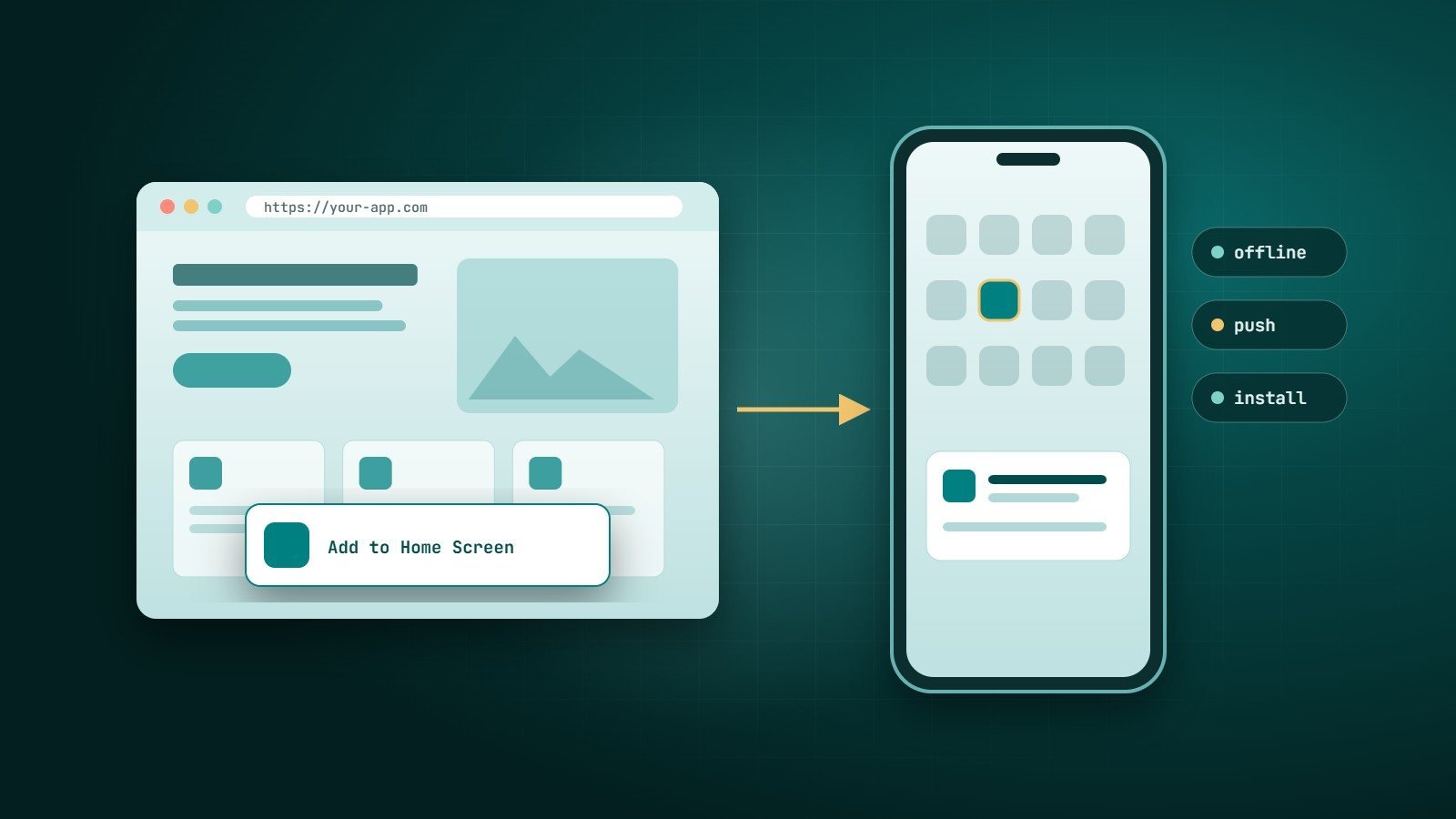
Often the fastest route is a responsive web app first, then native or cross-platform mobile apps once usage proves the idea — a web app works on every device from day one and is quick to update while you are still learning.
Step 6: Launch to a small audience and learn
Release to a small group you can talk to. Watch what they do, not only what they say. Then decide:
- Persevere — the core is working; improve it and add the next most important feature.
- Pivot — users value something different from what you expected; change direction.
- Stop — the problem is not painful enough. Stopping early is a success: it saved the full budget.
Common MVP mistakes
- Building for months without talking to a single user.
- Adding "just one more feature" before launch, again and again.
- Measuring vanity numbers (downloads, page views) instead of activation and retention.
- Choosing technology that cannot grow, forcing a full rewrite later.
Key takeaways
- An MVP is the smallest product that delivers real value and lets you learn.
- Cut scope, not quality.
- Decide what you need to learn and how you will measure it before you build.
- Launch small, watch real behaviour, then persevere, pivot or stop.
How Wintecsys can help
We help founders and businesses turn ideas into focused first versions — defining the scope, designing the core flow and building a solid web or mobile MVP that can grow into the full product. Tell us about your idea and we will help you decide what belongs in version one.