Website Security Checklist: 15 Essentials Every Business Website Needs
Most website hacks exploit basic, preventable weaknesses. Use this 15-point checklist to check whether your business website covers the essentials.
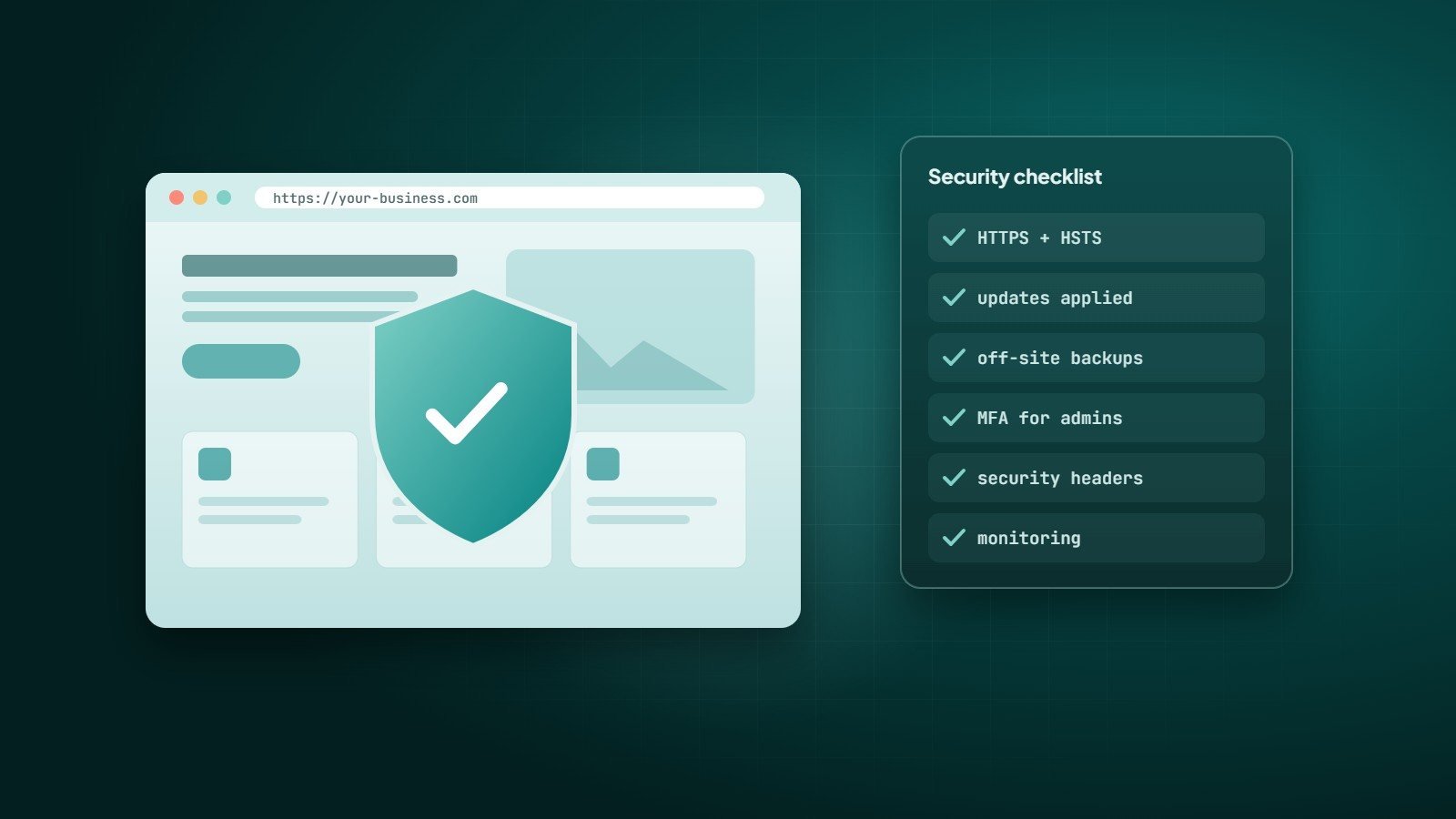
Small business websites are attacked every day — usually not by someone who chose them, but by automated tools scanning the internet for known weaknesses: outdated plugins, weak passwords, exposed admin panels. Most of these attacks succeed only because a basic protection was missing.
Use this checklist to review your site. Each item is achievable for any business website.
Foundations
1. HTTPS everywhere
Use a valid TLS certificate on every page, redirect HTTP to HTTPS, and enable HSTS so browsers always use the secure version. Free certificates are available through Let's Encrypt and most hosts.
2. Keep everything updated
Core software, themes, plugins, frameworks, libraries and the server's PHP or Node.js version. Known vulnerabilities in outdated components are among the most common ways sites are compromised. Remove plugins and themes you do not use — inactive code can still be exploited.
3. Reliable, tested backups
Automatic, daily backups of files and database, stored off the server, with several restore points. Test a restore occasionally — a backup you cannot restore is not a backup. See the 3-2-1 backup rule.
Access control
4. Strong, unique admin passwords
Use a password manager and never reuse passwords between sites.
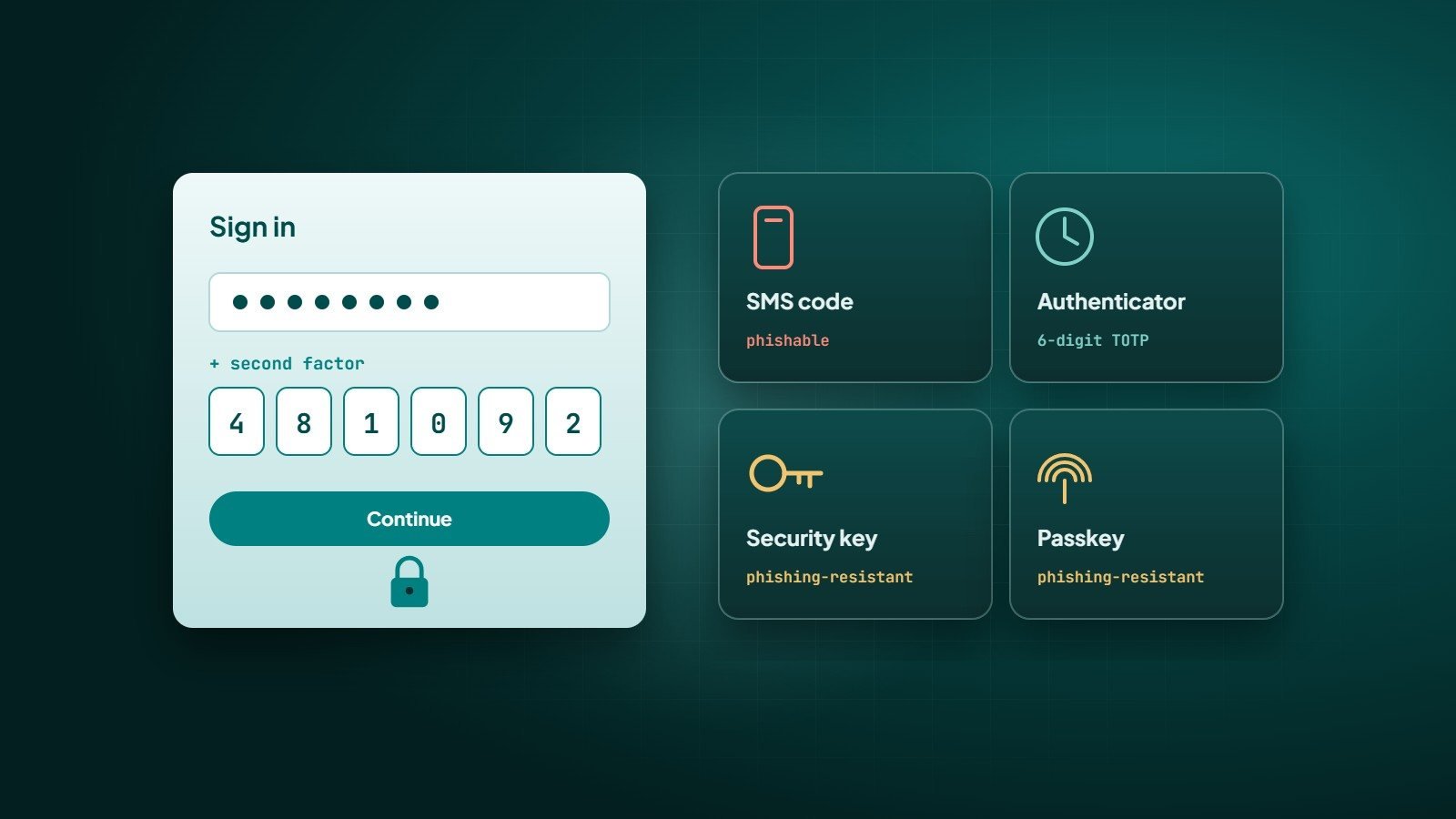
5. Multi-factor authentication for admins
Enable it on the website admin, hosting panel, domain registrar and email. Read two-factor authentication explained.
6. Least privilege
Give each person only the role they need — editors do not need administrator access. Remove accounts of people who have left.
7. Protect the login page
Limit login attempts, add delays or lock-outs after failures, and consider restricting admin access by IP or VPN for sensitive systems.
Application security
8. Validate and escape all input
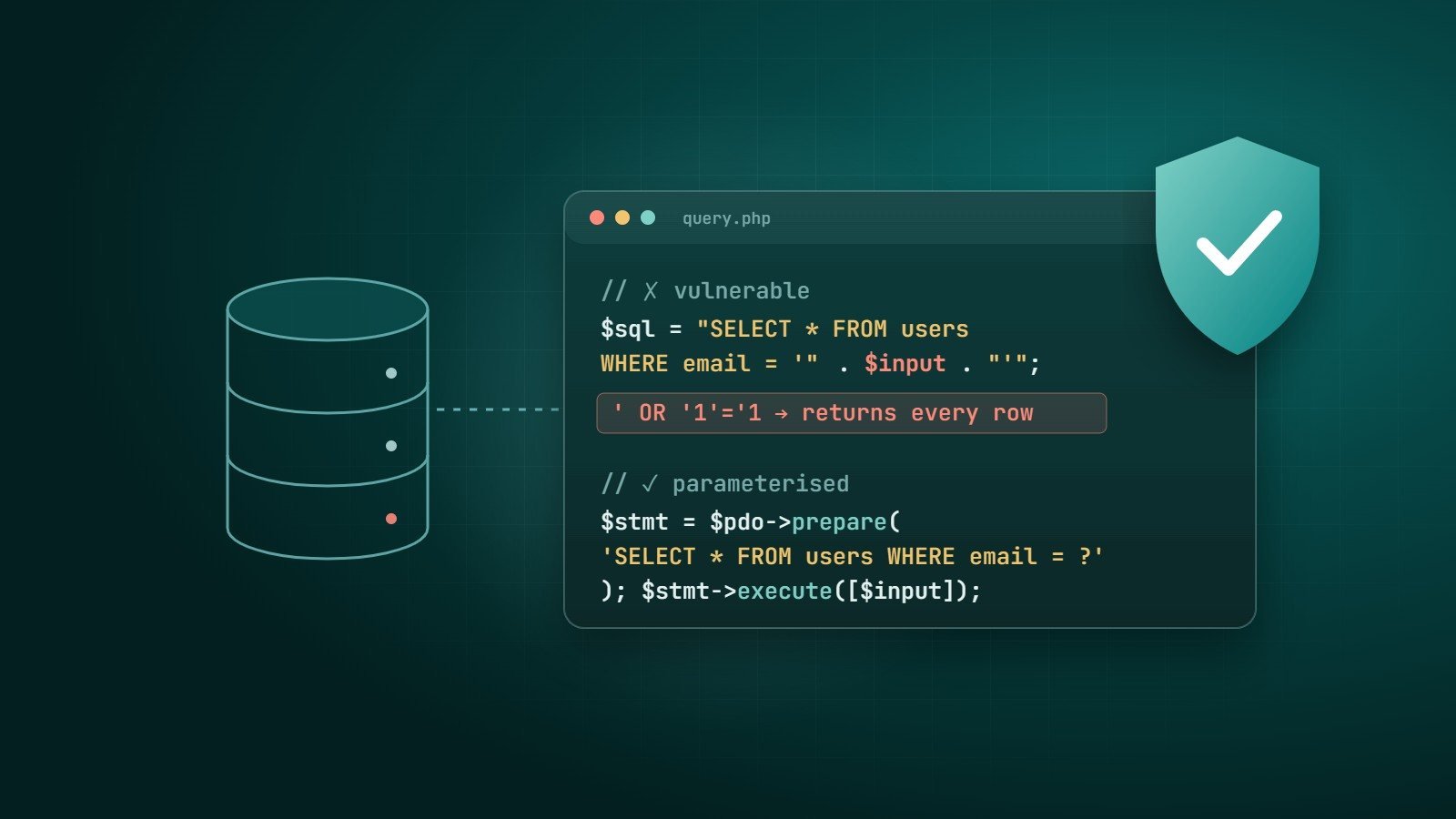
Every form, URL parameter and API input must be validated on the server. Use parameterised queries to prevent SQL injection and escape output to prevent cross-site scripting (XSS).
9. Protect forms
Use CSRF tokens on forms that change data, rate limits and spam protection on contact and sign-up forms.
10. Handle file uploads safely
Allow only the file types you need, check content rather than the extension, rename files, store them outside executable directories, and limit their size.
11. Security headers
Content-Security-Policy— limits where scripts and other resources can load from.X-Content-Type-Options: nosniffReferrer-PolicyandPermissions-Policyframe-ancestorsin the CSP (orX-Frame-Options) to prevent clickjacking.- Session cookies marked
Secure,HttpOnlyandSameSite.
12. Don't leak information
Turn off detailed error messages in production, hide directory listings, and make sure files such as .env, backups, .git folders and database dumps are never publicly reachable.
Operations
13. Secure hosting and least exposure
Choose a host that isolates accounts and patches servers. Use SSH keys or SFTP rather than plain FTP, and keep database access closed to the public internet.
14. Monitoring
Uptime monitoring, alerts for file changes, review of login activity, and Google Search Console notifications for security issues. A web application firewall (WAF), often available through your host or CDN, filters many common attacks.
15. An incident plan
Know who to call, where backups are, how to put the site into maintenance mode, which passwords to rotate and how to inform customers if their data is affected. Writing this down before an incident saves hours during one.
Security is not a product you install once. It is a routine: update, back up, review, repeat.
Key takeaways
- HTTPS, updates and off-site backups are the foundation.
- Protect admin access with unique passwords, MFA and least privilege.
- Validate input, protect forms and uploads, and send security headers.
- Monitor the site and prepare an incident plan before you need it.
How Wintecsys can help
We build websites with these protections included from day one, and we offer security reviews and ongoing maintenance — updates, backups, monitoring and fixes — for existing sites.
See our maintenance & security services or request a security check.