What Is Phishing? How to Recognise It and Protect Your Business
Phishing is still one of the most common ways attackers get into a business — not by hacking systems, but by tricking people. Learn the warning signs and the defences that work.
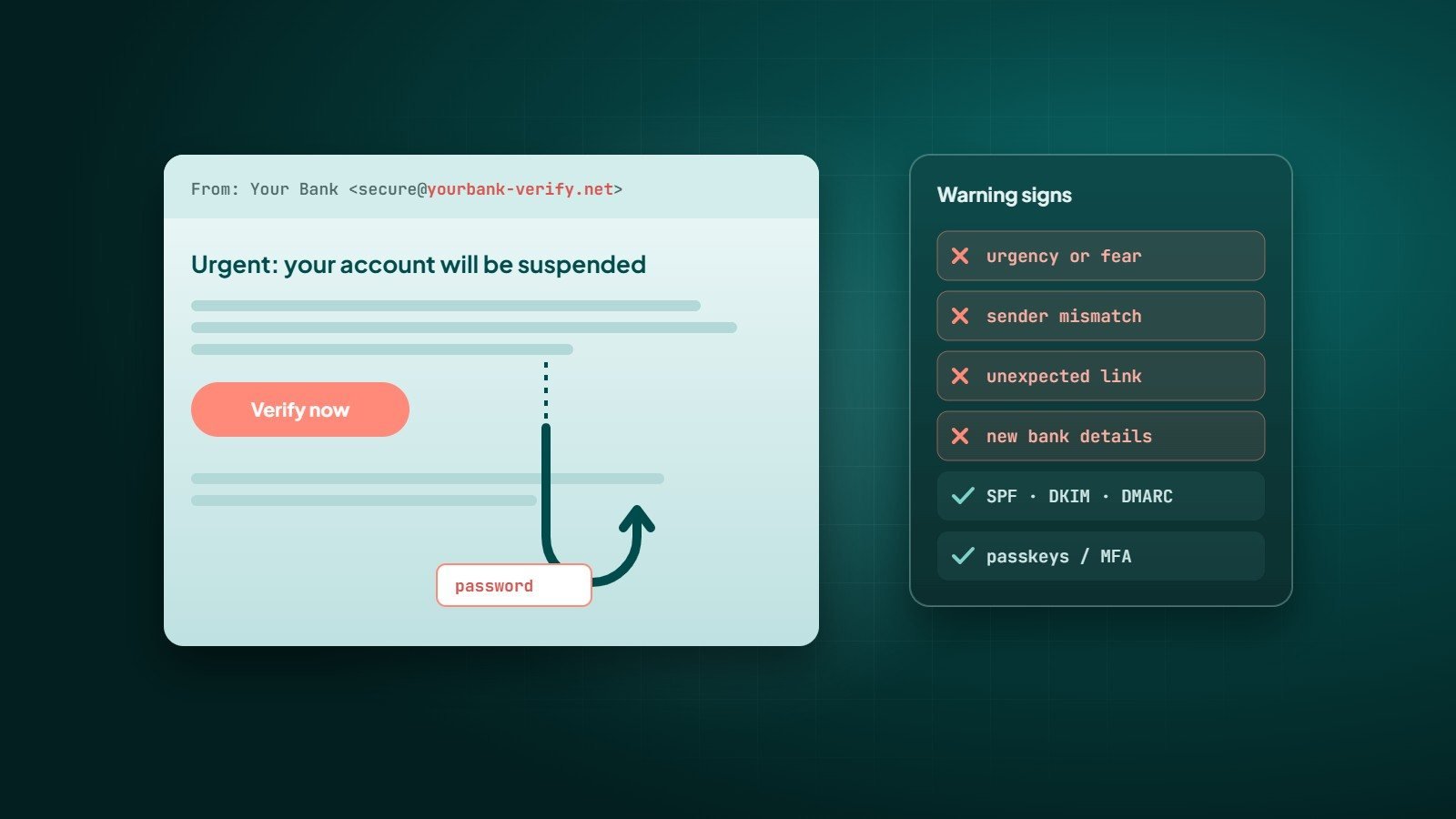
Phishing is a type of social engineering attack in which criminals pretend to be someone you trust — a bank, a supplier, a colleague, a delivery company — to make you click a link, open a file, share a password or send money. It remains one of the most common starting points for security incidents because it targets people rather than software.
How a phishing attack works
- The bait — a message that creates urgency or curiosity: "Your account will be suspended", "Invoice overdue", "You have a package waiting".
- The hook — a link to a fake login page, a malicious attachment, or a request to reply with information or make a payment.
- The catch — stolen passwords, installed malware, or money transferred to the attacker.
Common types of phishing
| Type | What it looks like |
|---|---|
| Email phishing | Mass emails imitating well-known brands and services |
| Spear phishing | Targeted messages using real names, roles and details about your company |
| Business email compromise (BEC) | A fake or hijacked executive or supplier account asking for urgent payments or bank-detail changes |
| Smishing | Phishing by SMS or messaging apps such as WhatsApp |
| Vishing | Phone calls pretending to be a bank, IT support or an official body |
| Clone phishing | A copy of a real message you received earlier, with the link or attachment swapped |
Warning signs
- Urgency or fear — threats of closure, fines or missed deliveries.
- Sender mismatch — the display name says your bank, but the address is from another domain, or a lookalike such as
paypa1.comorcompany-support.net. - Unexpected links or attachments — especially archives, macros-enabled documents or "shared document" links.
- Requests that break normal process — new bank details for a supplier, gift card purchases, password requests.
- Links that do not match — hover over (or long-press) a link to see the real address before opening it.
- A login page you reached from a message — check the address bar carefully; better, open the site yourself instead of using the link.
A well-crafted phishing email may have perfect grammar and your real logo. Judge the request, not the design.
Technical defences
Multi-factor authentication
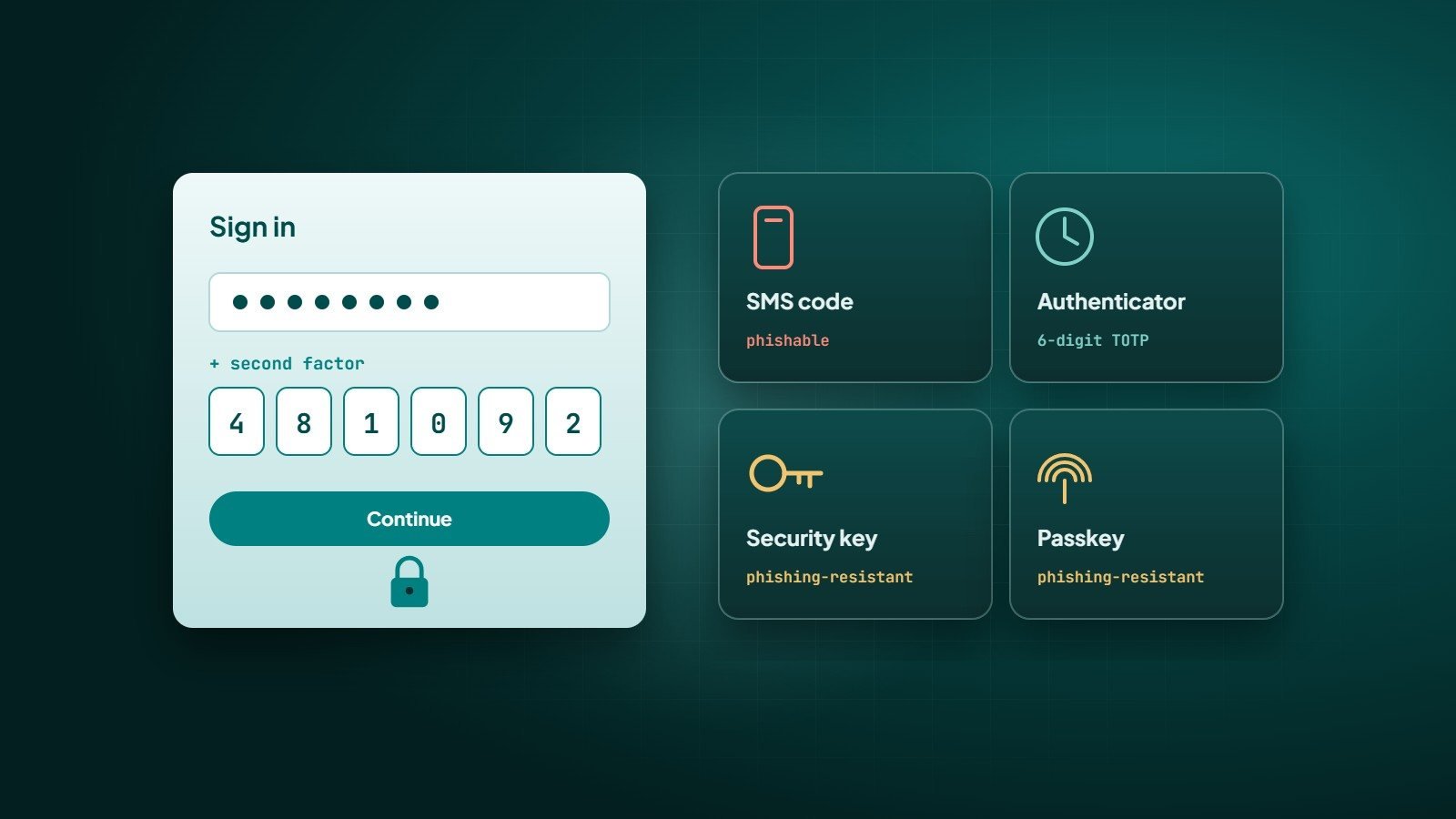
Two-factor authentication means a stolen password alone is not enough. Phishing-resistant methods such as passkeys and security keys are the strongest, because they will not work on a fake website. See our guide to two-factor authentication and passkeys.
Email authentication: SPF, DKIM and DMARC
- SPF lists which servers may send email for your domain.
- DKIM adds a cryptographic signature proving the message was not altered and came from your domain.
- DMARC tells receiving servers what to do with messages that fail those checks, and sends you reports. Moving DMARC gradually from
p=nonetoquarantineorrejectmakes it much harder for criminals to send email pretending to be your domain.
Other layers
- Email filtering and attachment scanning from your email provider.
- Keeping browsers, operating systems and software up to date.
- A password manager — it will not auto-fill your password on a lookalike domain, which is a useful warning.
- Least-privilege access, so one compromised account cannot reach everything.
Process defences
- Verify payment changes out of band — call the supplier on a number you already have, never the one in the email.
- Two-person approval for payments above a threshold.
- A simple way to report suspicious messages, and a culture that thanks people for reporting — even false alarms.
- Short, regular awareness training using realistic examples.
If someone clicked
- Do not panic and do not hide it — speed matters more than blame.
- Change the affected password immediately and sign out of other sessions.
- Check that multi-factor authentication is on and no new recovery email, phone or forwarding rule was added.
- Disconnect the device from the network if a file was opened, and have it checked.
- If payment details were shared, contact the bank at once.
- Report it internally so others can be warned.
Key takeaways
- Phishing targets people; urgency and unusual requests are the biggest red flags.
- Multi-factor authentication — ideally passkeys — and SPF, DKIM and DMARC are essential technical defences.
- Verify payment and account changes through a separate channel.
- Make reporting easy and act fast when someone clicks.
How Wintecsys can help
We help businesses harden their accounts and email: SPF, DKIM and DMARC setup, multi-factor authentication, secure configurations and security reviews of websites and applications.