Shared Hosting vs VPS vs Cloud Hosting: Which Does Your Website Need?
Hosting is the foundation of your website's speed, security and reliability. Here is how shared hosting, VPS, dedicated servers and cloud hosting compare — and which one fits your project.
Every website lives on a server somewhere. The type of hosting you choose affects how fast the site loads, how well it copes with traffic, how secure it is and how much technical work it needs. Here are the main options and when each makes sense.
The apartment analogy
- Shared hosting is like renting a room in a shared house: cheap and simple, but you share the kitchen and the noise.
- A VPS is like an apartment: your own space and keys, in a building shared with others.
- A dedicated server is a whole house: all yours, and all your responsibility.
- Cloud hosting is like a hotel that adds rooms when your guests arrive and removes them when they leave.
Shared hosting
Many websites share one server's CPU, memory and disk. The host manages the server; you get a control panel, email and one-click installs.
- Pros: lowest cost, no server administration, easy to start.
- Cons: limited resources; heavy traffic on other sites can affect yours; limited control over server software.
- Best for: small business websites, portfolios, blogs and early-stage projects with moderate traffic.
Good shared hosts isolate accounts from each other, offer free SSL, daily backups and modern PHP versions. A well-built website can run very well on quality shared hosting.
VPS — Virtual Private Server
A physical server is divided into virtual machines, each with guaranteed resources and its own operating system. You get root access.
- Pros: dedicated resources, full control, install any software.
- Cons: you (or someone you hire) must manage security updates, configuration, backups and monitoring — unless you choose a managed VPS.
- Best for: growing sites, web applications, custom software stacks, multiple sites under one roof.
Dedicated server
An entire physical server for you alone.
- Pros: maximum performance and isolation; full hardware control.
- Cons: highest cost; scaling means buying or renting more hardware; requires administration skills.
- Best for: very high, steady workloads, or strict compliance requirements.
Cloud hosting
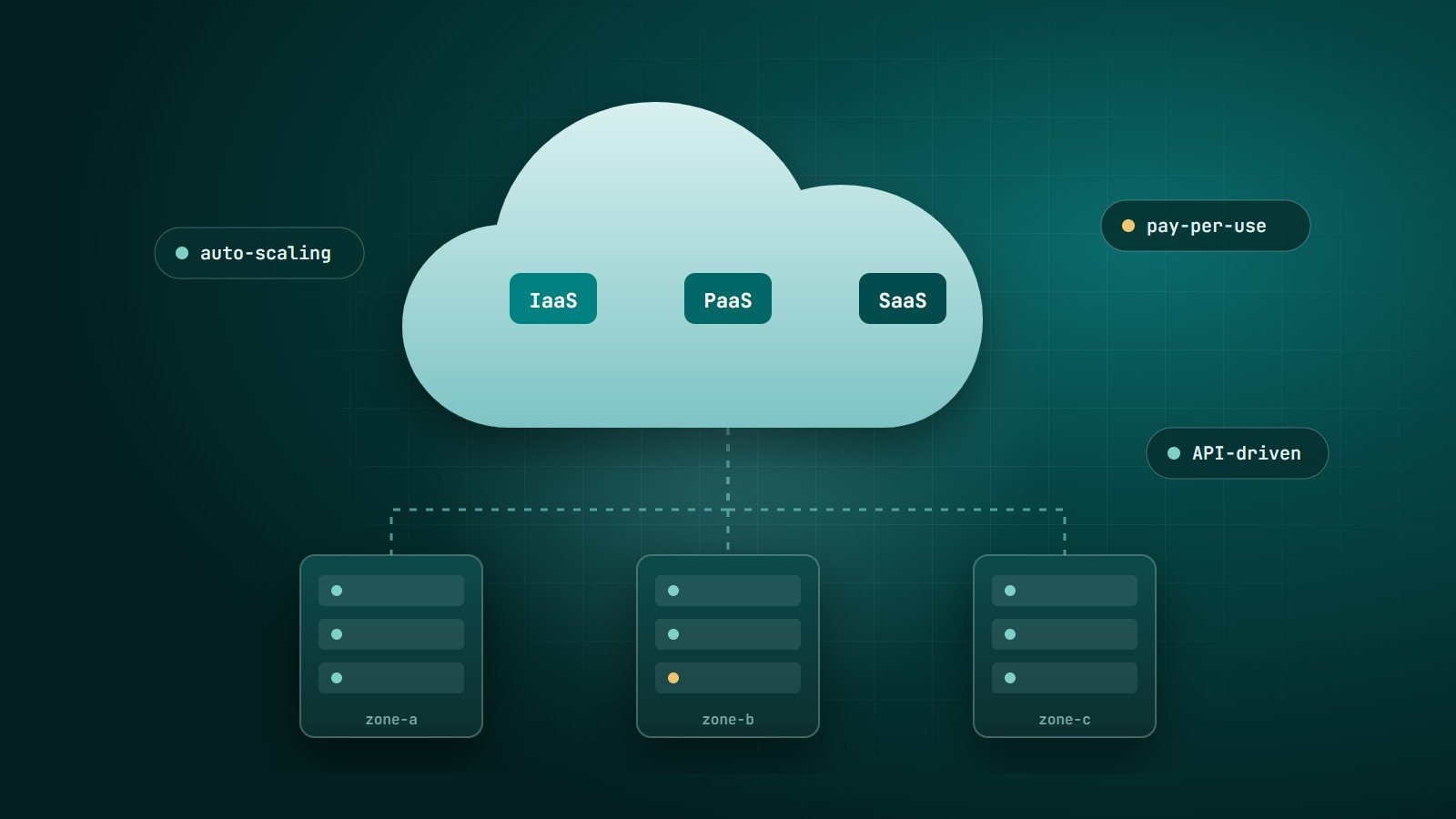
Your application runs on resources from a large pool — such as AWS, Google Cloud, Microsoft Azure or DigitalOcean — that can be added or removed on demand, often automatically. You pay for what you use.
- Pros: scales with traffic, high availability across multiple servers or regions, many managed services (databases, storage, queues).
- Cons: pricing can be complex and grows with usage; architecture and cost need active management.
- Best for: applications with variable or fast-growing traffic, SaaS products, mobile app back ends.
Managed hosting
"Managed" can apply to any of the above: the provider handles updates, security, backups and often performance tuning. Managed WordPress hosting is a popular example. You pay more, but your team spends less time on servers.
Comparison
| Shared | VPS | Dedicated | Cloud | |
|---|---|---|---|---|
| Relative cost | Lowest | Low–medium | High | Pay per use |
| Performance | Shared, variable | Guaranteed share | Full server | Scales on demand |
| Control | Limited | Full (root) | Full | Full, via services |
| Technical skill needed | Low | Medium (unless managed) | High | Medium–high |
| Scaling | Upgrade plan | Resize server | New hardware | Automatic or on demand |
Questions that decide it
- How much traffic do you have today, and how spiky is it?
- Is it a content website or an application with heavy database work?
- Do you need special software or configurations?
- Who will manage security updates and backups?
- Where are your visitors? Choose a data centre (or CDN) close to them.
Signs it is time to upgrade
- The site slows down noticeably at busy times.
- Your host warns you about CPU or memory limits.
- Slow server response time (TTFB) even after optimising the site — see our website speed guide.
- You need software or settings your plan does not allow.
Key takeaways
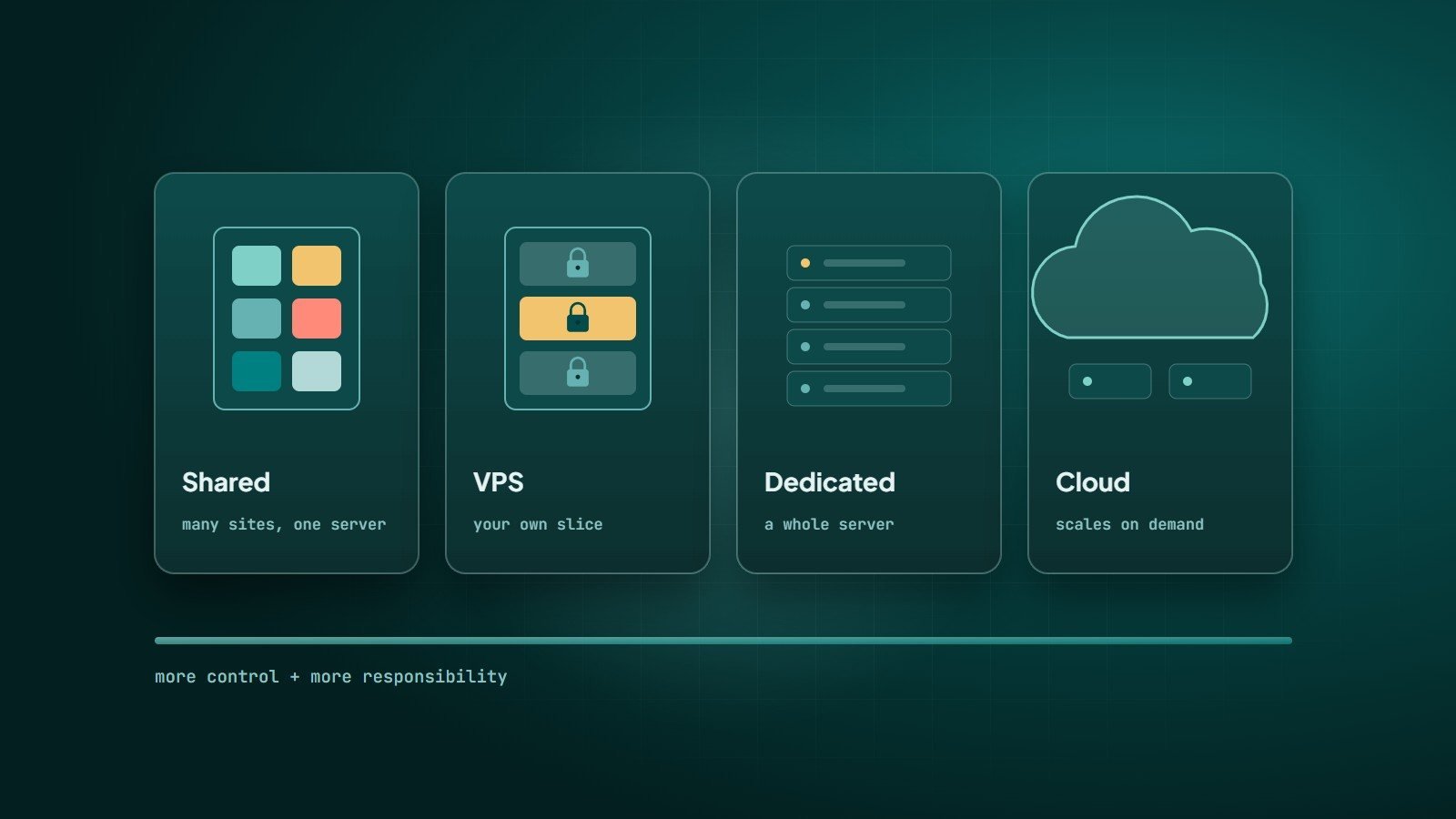
- Shared hosting suits most small sites; VPS adds control and guaranteed resources; dedicated gives a whole server; cloud scales on demand.
- "Managed" options trade cost for less technical work.
- Choose based on traffic, workload type, required control and who will maintain it.
How Wintecsys can help
We recommend and set up the right hosting for each project — from shared hosting for company sites to VPS and cloud setups for applications — and migrate existing sites safely with backups and no surprises.