AI Chatbots for Business: What They Can Do, What They Can't, and How to Get It Right
Modern AI chatbots can answer customers in natural language around the clock — or confidently give wrong answers. Here is how to use them where they work and avoid where they do not.
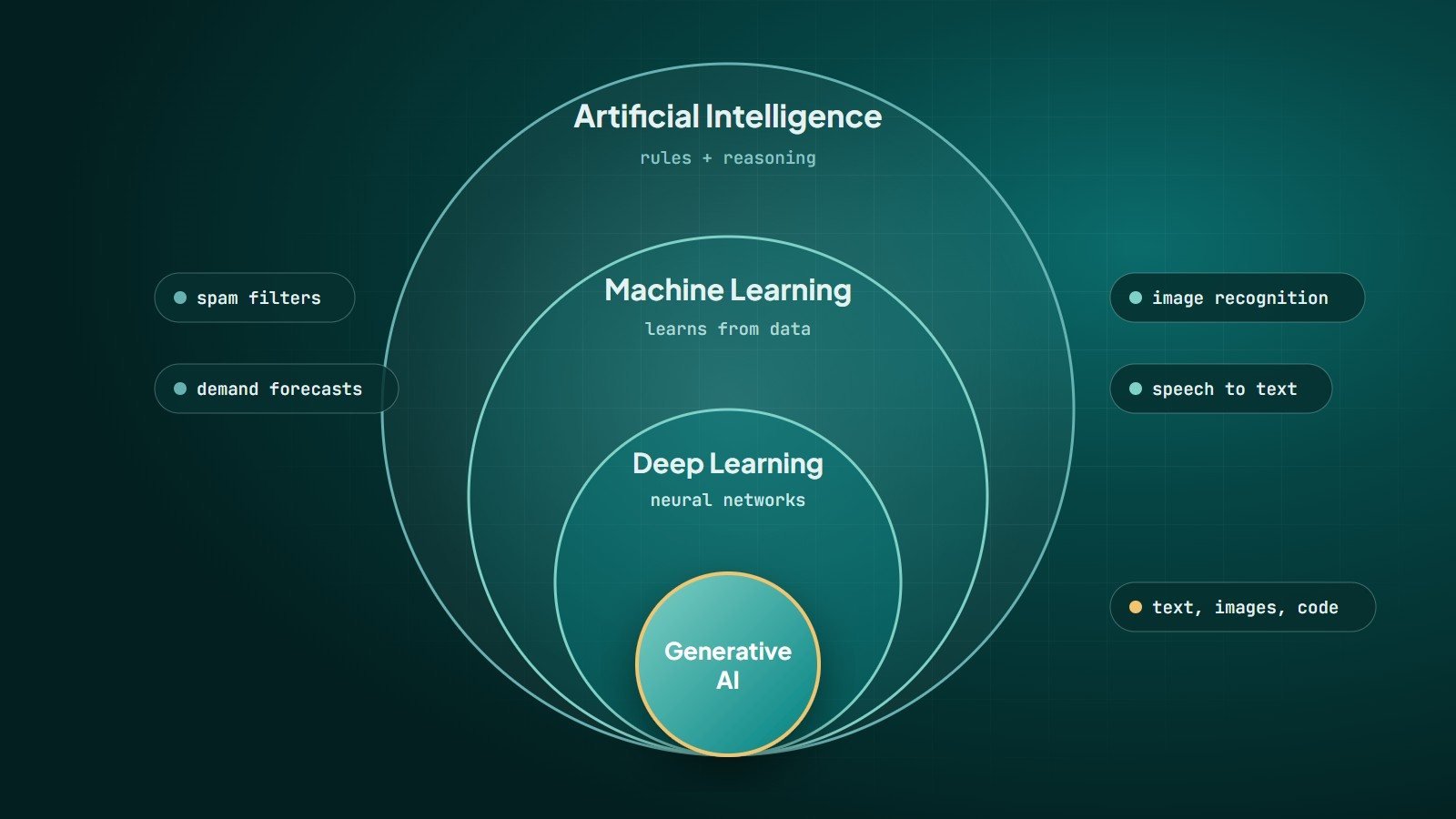
Chatbots used to be frustrating decision trees: press 1 for sales, press 2 for support, and never quite the option you needed. Large language models (LLMs) changed that. A modern AI chatbot can understand free-form questions, answer in natural language and switch languages mid-conversation.
That power comes with new risks. This guide explains where AI chatbots genuinely help a business, where they fall short, and how to launch one responsibly.
How a modern business chatbot works
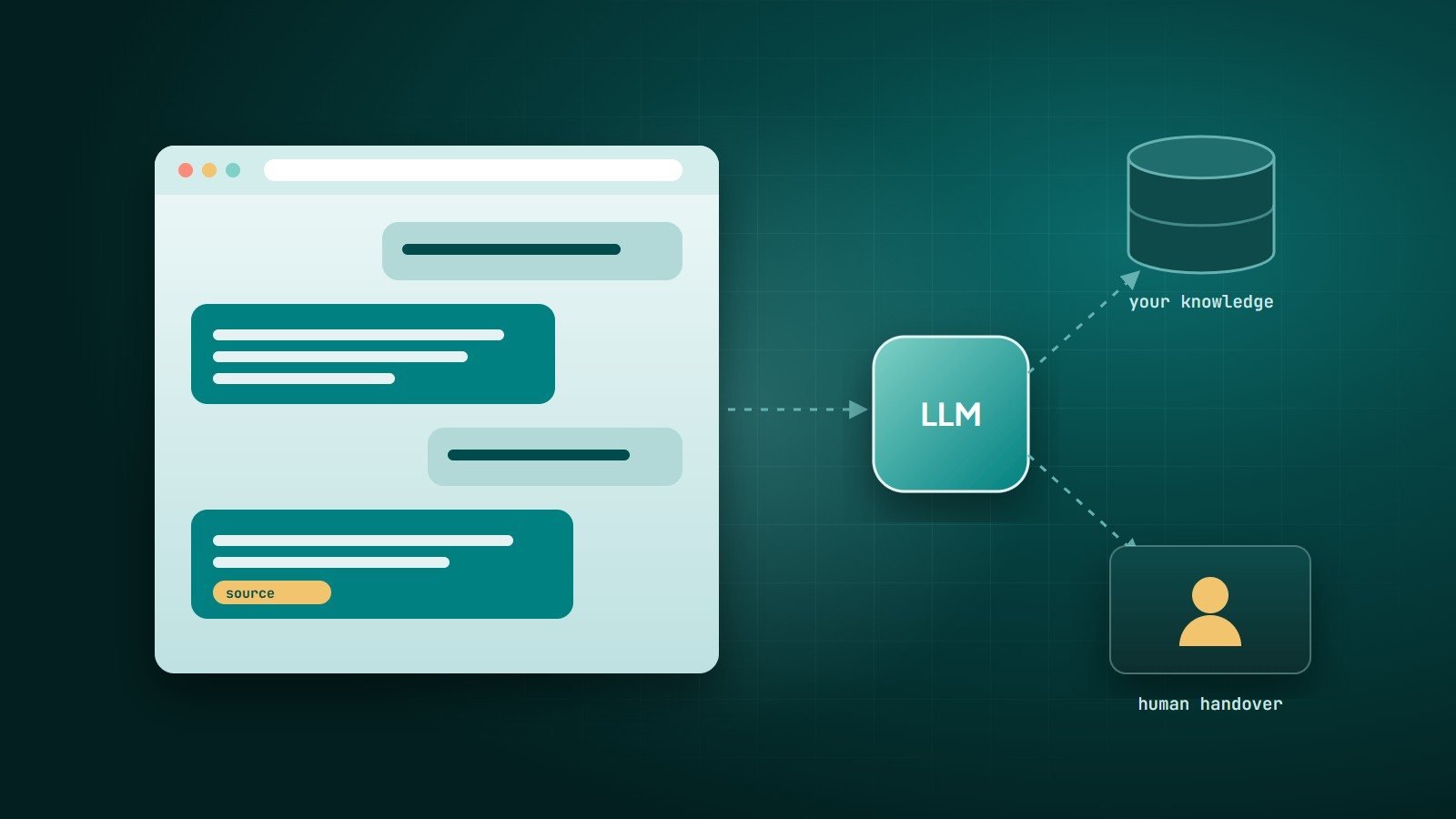
A useful business chatbot is rarely "just ChatGPT on your website". It usually has three parts:
- A language model that understands the question and writes the answer.
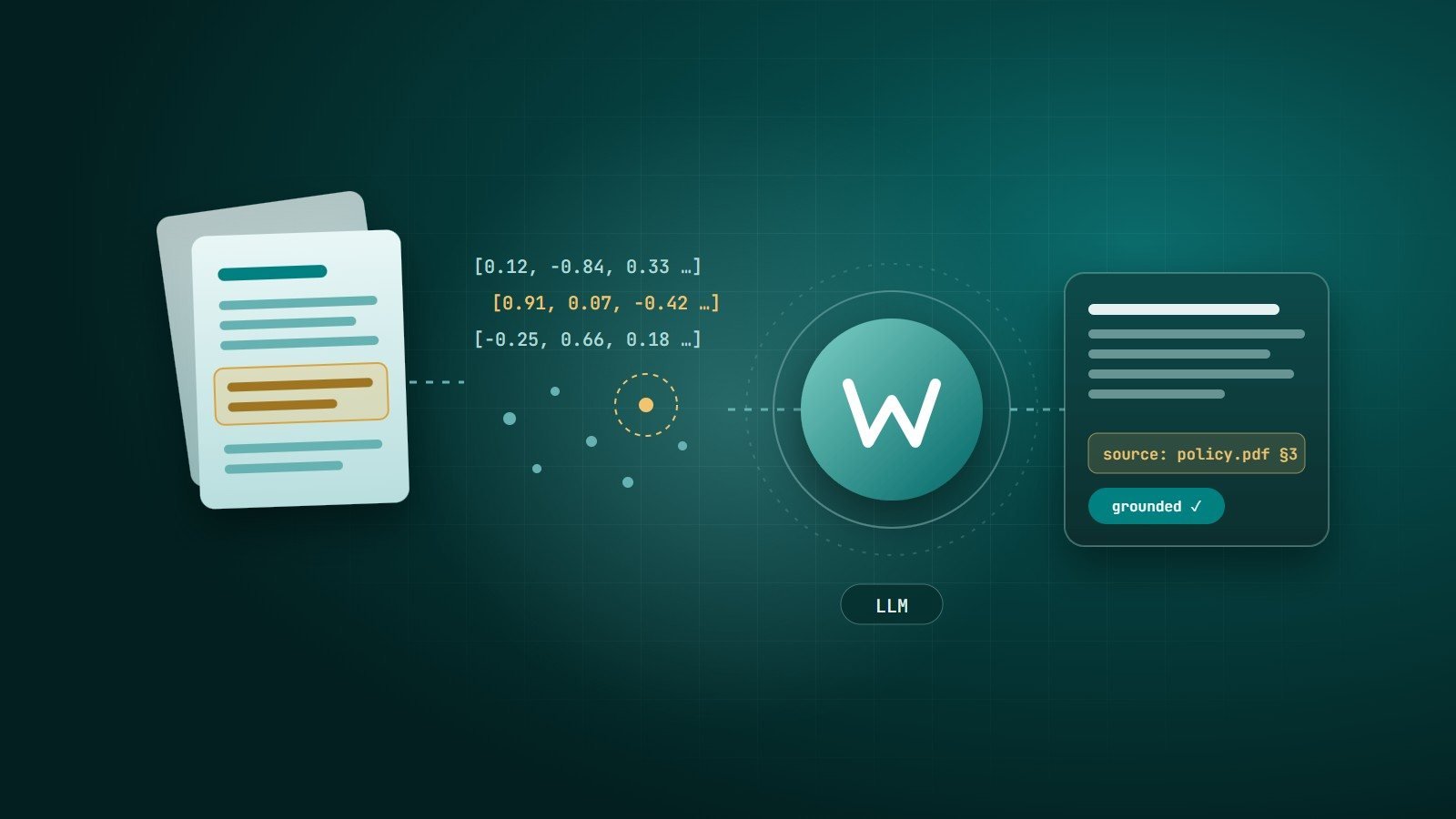
- Your knowledge — policies, product information, FAQs, documentation — retrieved at question time so answers are grounded in your content. This technique is called retrieval-augmented generation (RAG).
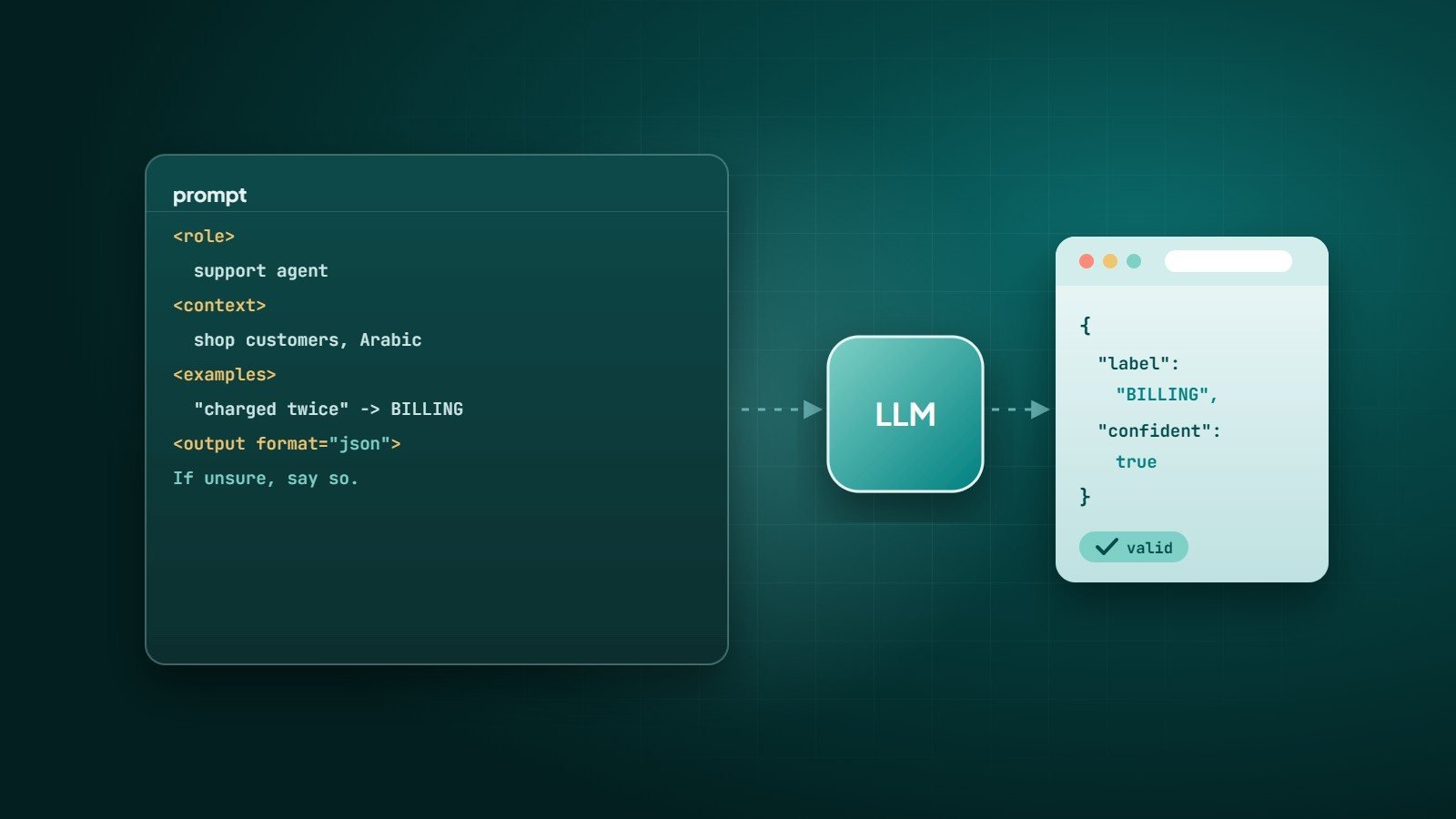
- Tools and rules — the ability to look up an order, book an appointment or hand over to a human, plus instructions about what the bot must never do.
Where AI chatbots work well
- Customer support for common questions — opening hours, delivery times, return policy, how-to questions — answered instantly at any hour.
- Pre-sales guidance — helping visitors find the right product or service and collecting their requirements before a human follows up.
- Internal knowledge assistants — letting staff ask questions about HR policies, technical documentation or procedures instead of searching through files.
- Multilingual support — serving customers in Arabic, English and other languages from the same knowledge base.
- Triage — understanding the request, gathering details and routing it to the right team.
What they can't (safely) do
- Guarantee correctness. LLMs can produce confident, fluent answers that are wrong — often called "hallucinations". Grounding the bot in your content reduces this but does not eliminate it.
- Make binding decisions. Refunds, legal, medical or financial advice and anything with serious consequences should involve a human.
- Know what you have not told them. If your policies are outdated or contradictory, the bot will be too.
- Replace good service design. A chatbot cannot fix a confusing process; it can only explain it faster.
The best chatbots know their limits: they answer what they can answer well, and hand over smoothly when they can't.
Risks to manage
- Privacy — decide what customer data the bot can see, where conversations are stored, and what your AI provider may do with them. Follow data-protection laws that apply to you.
- Prompt injection — users may try to trick the bot into ignoring its instructions. Never give the model access to actions or data it should not have, and validate every tool call on the server.
- Brand and tone — define how the bot speaks and what it must not discuss.
- Cost — usage-based AI pricing grows with traffic and answer length; monitor it.
A step-by-step launch plan
- Pick one clear use case, such as answering the 30 most common support questions.
- Clean up your knowledge — current, consistent, written in plain language.
- Build with grounding and guardrails — RAG over your content, clear instructions, and a human-handover path.
- Test with real questions taken from your inbox, chats and calls — including awkward and adversarial ones.
- Launch to a portion of traffic, label it clearly as an AI assistant, and review conversations regularly.
- Measure — resolution without a human, handover rate, customer satisfaction and incorrect answers.
- Improve the knowledge base whenever the bot cannot answer well.
Build or buy?
Off-the-shelf chatbot tools are quick to set up for website FAQs. A custom-built assistant makes sense when it must connect to your own systems (orders, bookings, CRM), follow strict data rules, work inside WhatsApp or your app, or behave in ways generic tools cannot.
Key takeaways
- Modern chatbots combine a language model, your knowledge and carefully limited tools.
- They excel at common questions, guidance, triage and internal knowledge.
- They can be wrong; keep humans in the loop for consequential decisions.
- Start with one use case, test with real questions and measure honestly.
How Wintecsys can help
We design and build AI assistants grounded in your own content — for your website, WhatsApp or internal teams — with guardrails, human handover and privacy built in. We will also tell you honestly when a chatbot is not the right tool.